





Custom Amount
Total freedom: customers type any amount between your minimum and maximum.

Offer Your Price · Name Your Price Field
Pay what you want pricing that grows sales without ever giving away your margin.
Install the Offer Your Price app to add a name-your-price field to Shopify product pages, so customers pay what the product is worth to them. They type an amount; your minimum and maximum check it instantly; anything inside your range goes straight to the cart. Presets, a suggested price, and your own messages nudge every amount upward.
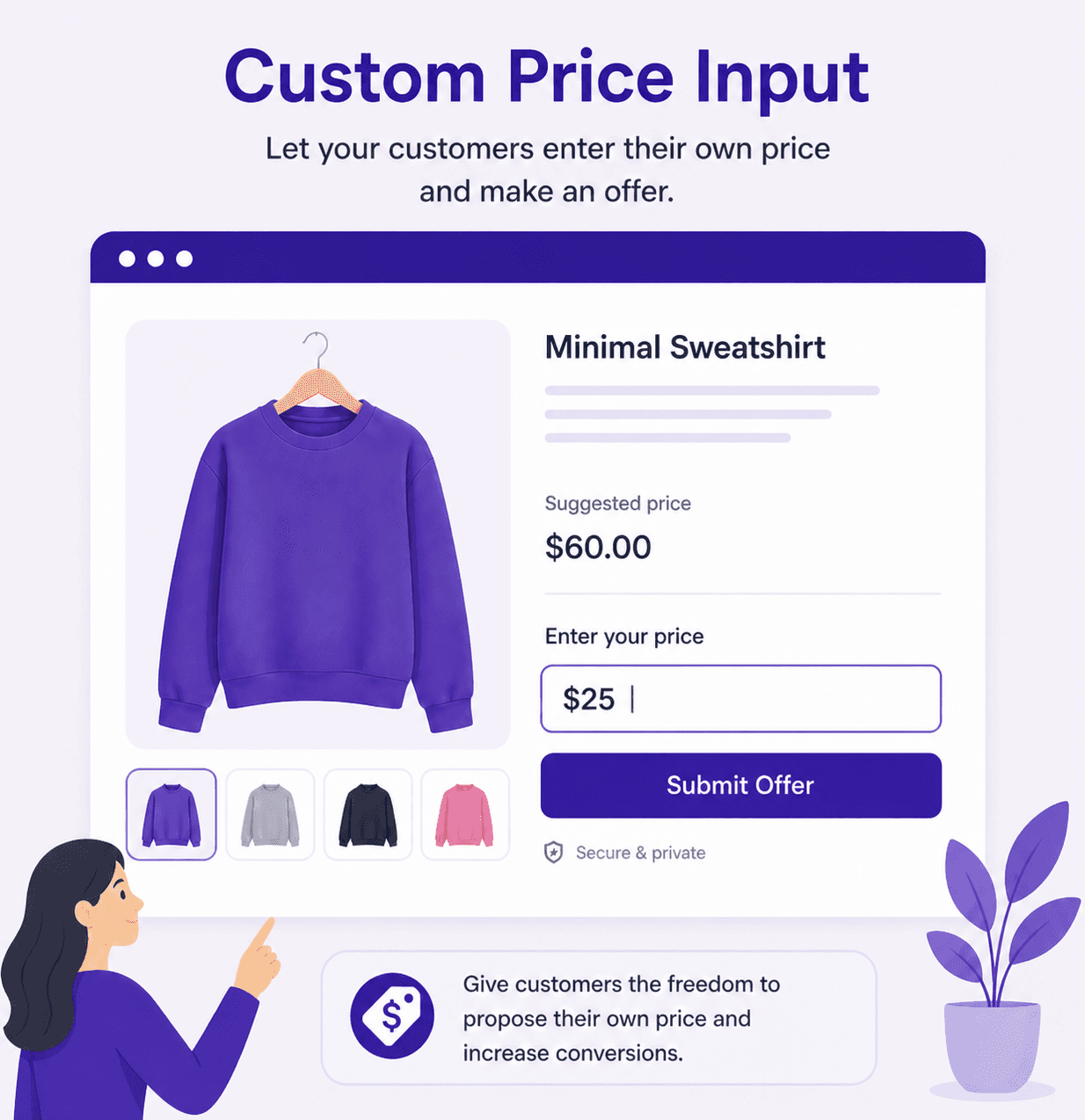
Customers get the freedom to choose. You get guardrails that make sure every choice is a sale you're happy with.
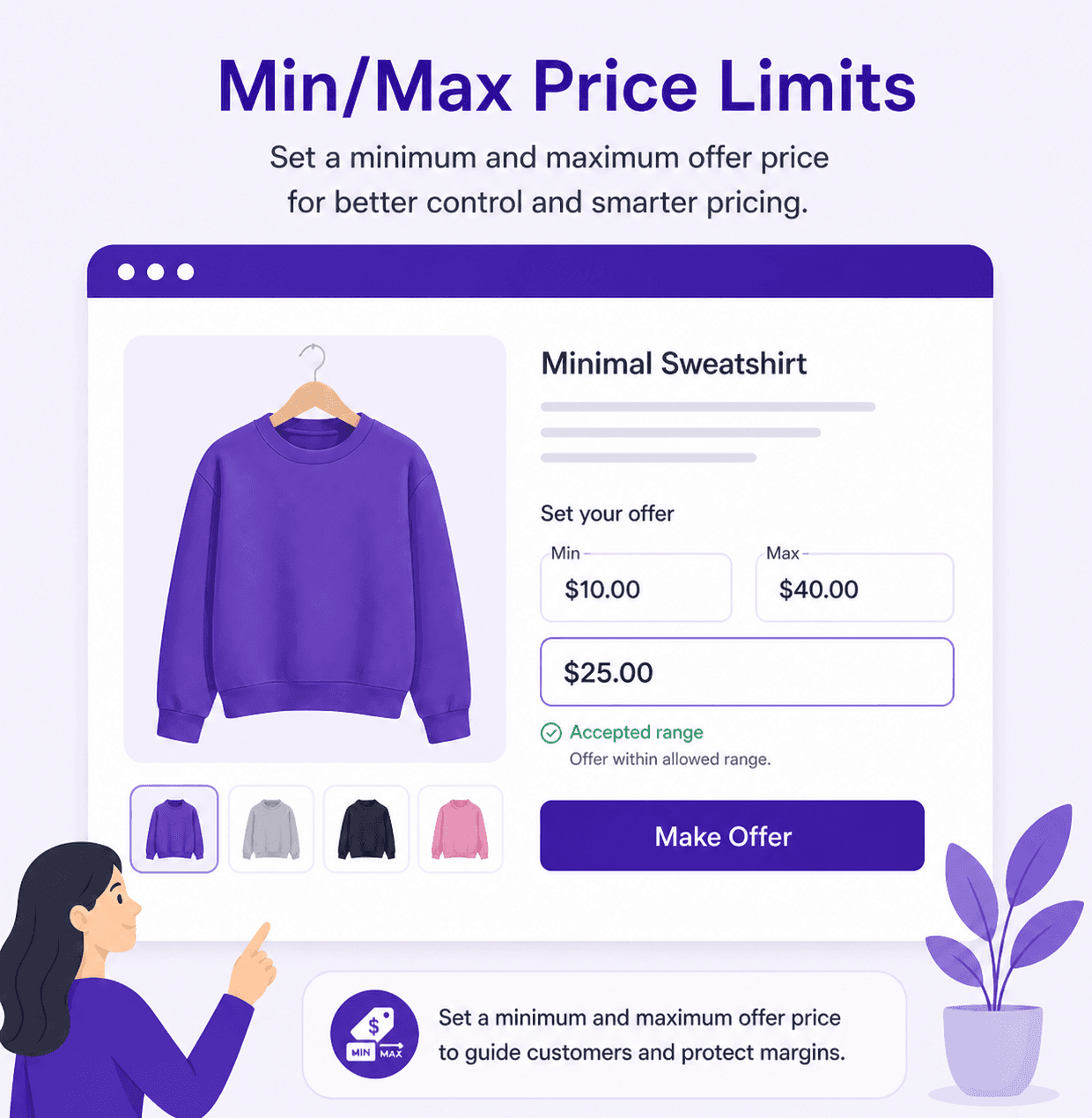
Nothing gets through below your floor, so pay what you want never means below cost.
Cap the amount, or leave it open and let generous fans tip you extra.
Tell shoppers exactly what to enter, right inside the field.
Every amount is checked before it can reach the cart. No manual review, ever.
Free-form, one-tap or both. Match the method to the product and make paying feel effortless. Every option is on the Pro plan.
Total freedom: customers type any amount between your minimum and maximum.
One tap to buy: customers pick from prices you set, each with its own label.
The best of both: presets up front, plus an Other option that opens the custom field.
Pick the preset style that fits your product page and your theme.
Enter From, To and Step, click Generate, and a full price ladder appears in seconds.
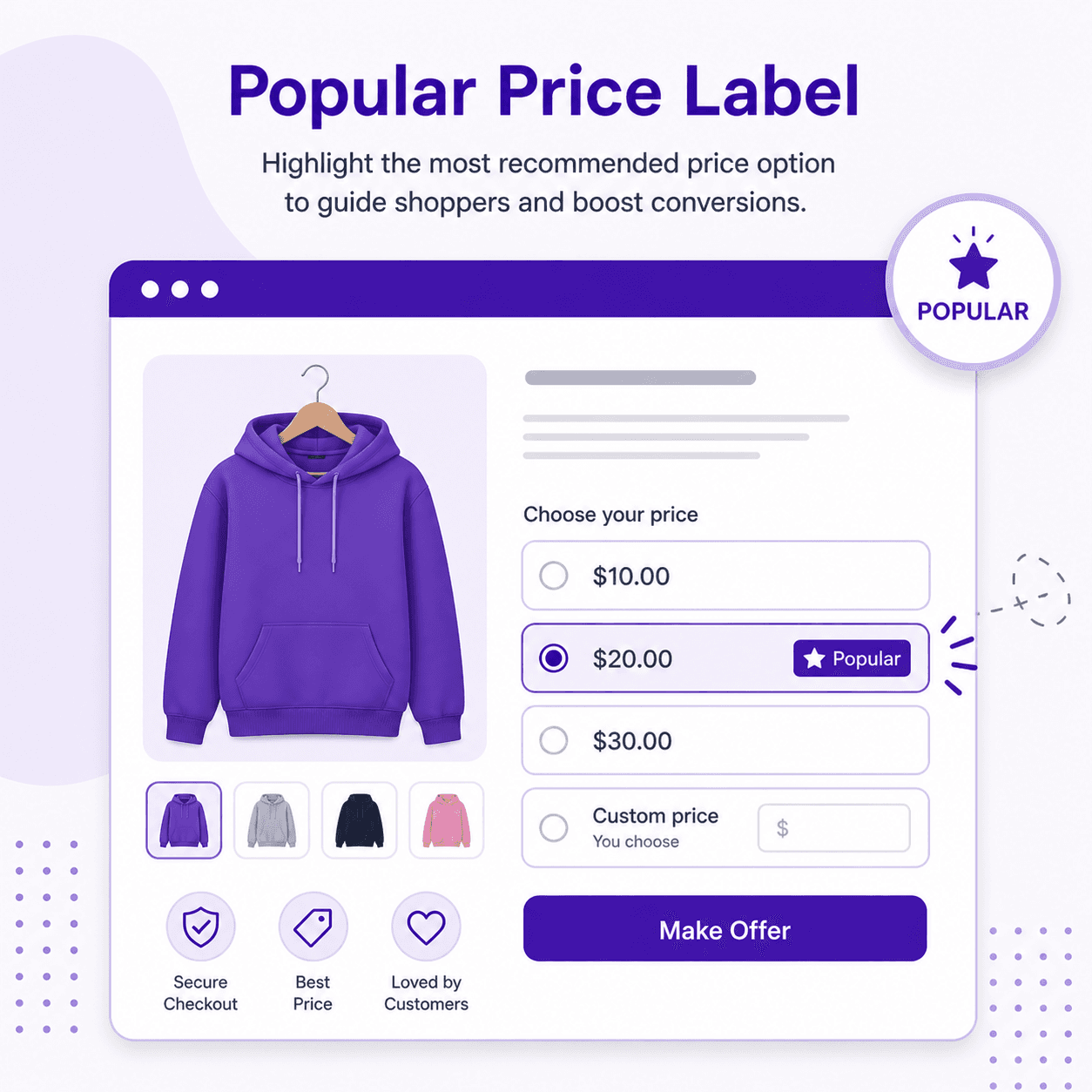
Preselect the price you want most customers to choose. Most will leave it there.
Left alone, people guess low. A gentle hint gives them permission to pay what the product is really worth.
Show a recommended amount with your own label, a quiet signal of what you'd love to see.
Tag the price most people choose, like “People often buy”, and let the crowd lead the way.
A rejected amount shouldn't feel like a closed door. Your own friendly words, with the limit filled in, keep the shopper buying.
Shown when the amount is below your minimum. Add {min} and the app fills in the number.
Shown when the amount is above your maximum. Add {max} and the app fills in the number.
Celebrate the sale the moment their price is accepted.
| You write | Customer sees |
|---|---|
| Please offer at least {min}. | Please offer at least $20. |
| The most you can offer is {max}. | The most you can offer is $100. |
Skip setting a minimum product by product. Calculate it from each product's price plus a threshold: for a $100 product, a $10 or a 10% threshold both give a $110 minimum.
Add a fixed amount to the product price to get the minimum offer.
Add a percentage of the product price to get the minimum offer.
The minimum follows the variant the customer selects and updates when they switch.
Or lock the minimum to your cheapest or most expensive variant, whichever one is selected.
Watch a customer enter their own price, see your limits at work and check out, start to finish.
Add Offer Your Price from the Shopify App Store. The Pro plan comes with a 7-day free trial.
Drop the Offer Your Price block into your product template in the Theme Editor. No code.
Pick your products, choose Custom Amount, set your minimum, maximum and placeholder, and switch it on.
Set up your name-your-price field in minutes. Your limits protect the margin, your customers choose the price.
Let fans pay what they want for an album, ebook or template, and keep a floor you choose.
Let supporters choose what to pay for merch. For donations, meet our Donate Now app.
Learn moreLet clients set a budget for your service, inside the range you're happy to work for.
Open tickets and classes to everyone, with a floor that still covers your costs.
$5.99/ month
7-day free trial
$9.99/ month
or $109.99/year and save 8%
Prices in USD, billed through Shopify. Full details on the Offer Your Price page.
Customers can enter any amount between the minimum and maximum you set for the rule. Amounts outside that range show your error message and don't go to the cart.
Yes. The maximum can be left without a limit, which suits tips, donations and pay-what-you-want pricing.
Yes. Choose Custom + Presets and customers see your preset prices plus an Other option that opens the custom amount field.
Yes. Each rule can hide the original price and the Add to Cart button, so only the name-your-price field is shown.
Yes, on the Business plan. Set the minimum to the product price plus a fixed amount or a percentage, and base it on the selected, lowest or highest variant price.
Install from the Shopify App Store and try it free. No code required.