




Business
Price + fixed amount
Add a fixed amount to the product price. A $100 product with a $10 threshold has a $110 minimum.

Offer Your Price · Minimum Offer Price
Say yes to more offers without ever saying yes to a loss.
Offer Your Price checks every offer against a minimum you control before it can reach the cart. Set one fixed minimum per rule, or on the Business plan calculate it from each product's price, even each variant's price, plus a fixed amount or a percentage. Anything below your floor is turned back with your own message, and the shopper can try again on the spot.
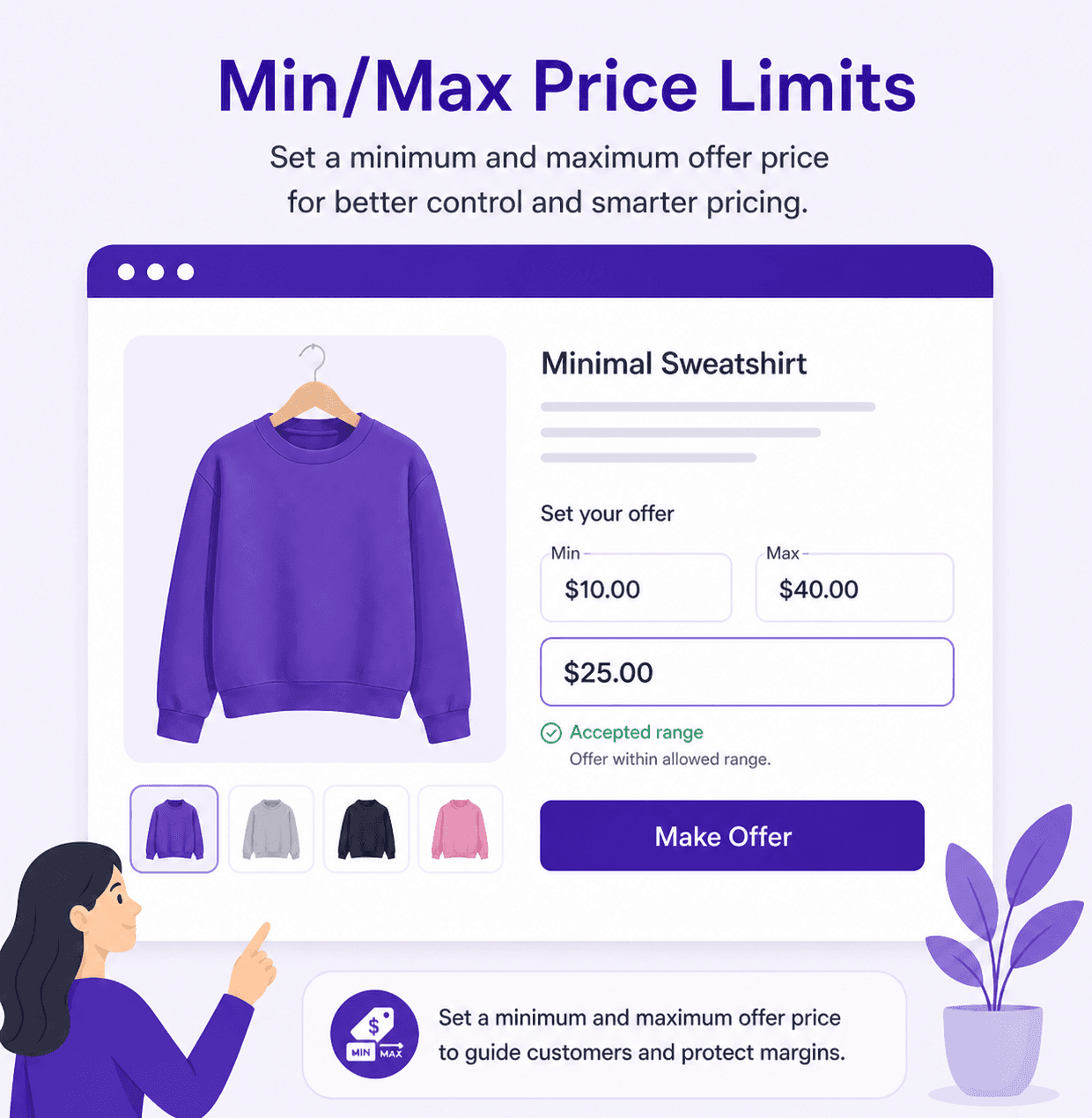
The fastest way to protect your margin: one number, and no offer below it ever reaches the cart. It's on every plan.
Set the lowest price you'll accept. Set it at your cost and you never sell at a loss.
Cap offers, or leave the maximum open so generous customers can pay more.
Create a rule for each collection, each with its own minimum, so cheap and premium stock never share one floor.
Every offer is validated before it can go to the cart. Nothing slips through, nothing waits on you.
One rule, every price point. Instead of typing a minimum for each product, the app works it out from the product's own price plus the threshold you choose.
Add a fixed amount to the product price. A $100 product with a $10 threshold has a $110 minimum.
Add a percentage of the product price. A $100 product with a 10% threshold has a $110 minimum.
A $40 item and a $400 item each get a minimum that fits their own price, from a single rule.
Available whenever the rule uses Custom Amount or Custom + Presets as its offer method.
| Product price | Threshold | Minimum offer |
|---|---|---|
| $100 | $10 fixed amount | $110 |
| $100 | 10% | $110 |
| $40 | 10% | $44 |
Sizes and editions rarely cost the same. Choose which variant price the minimum is based on, so a large never sells at a small's floor.
The minimum follows the variant the shopper picks and updates the moment they switch.
Keep one minimum based on your cheapest variant, whichever variant is selected.
Keep one minimum based on your most expensive variant, whichever variant is selected.
| Variant price source | Small | Medium | Large |
|---|---|---|---|
| Selected variant | $44 | $66 | $88 |
| Lowest variant | $44 | $44 | $44 |
| Highest variant | $88 | $88 | $88 |
Some will, and that's still a sale you're happy with. Most follow the cues you give them, so give them good ones.
Show the amount you'd love to see, with your own label, right next to the field.
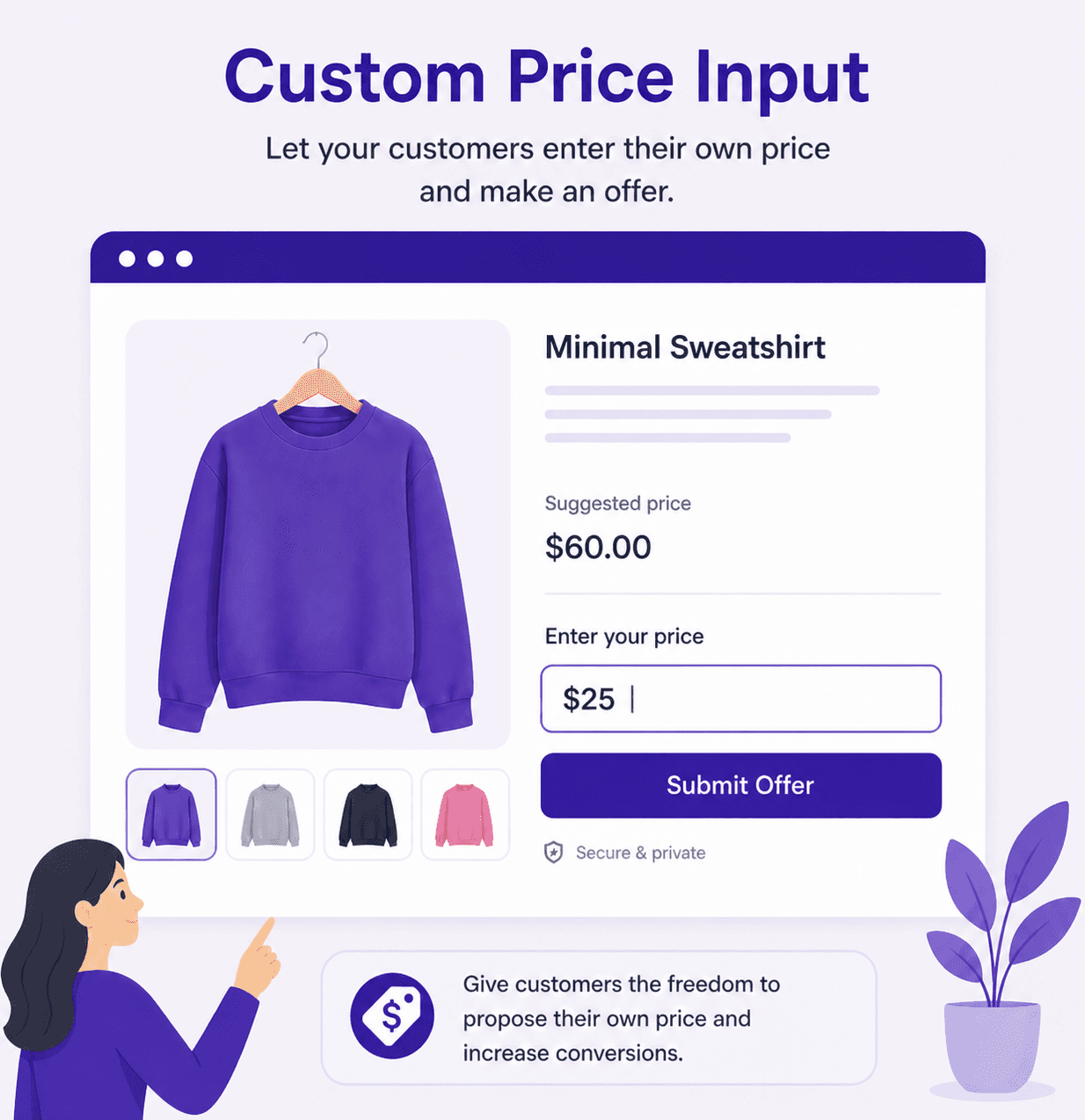
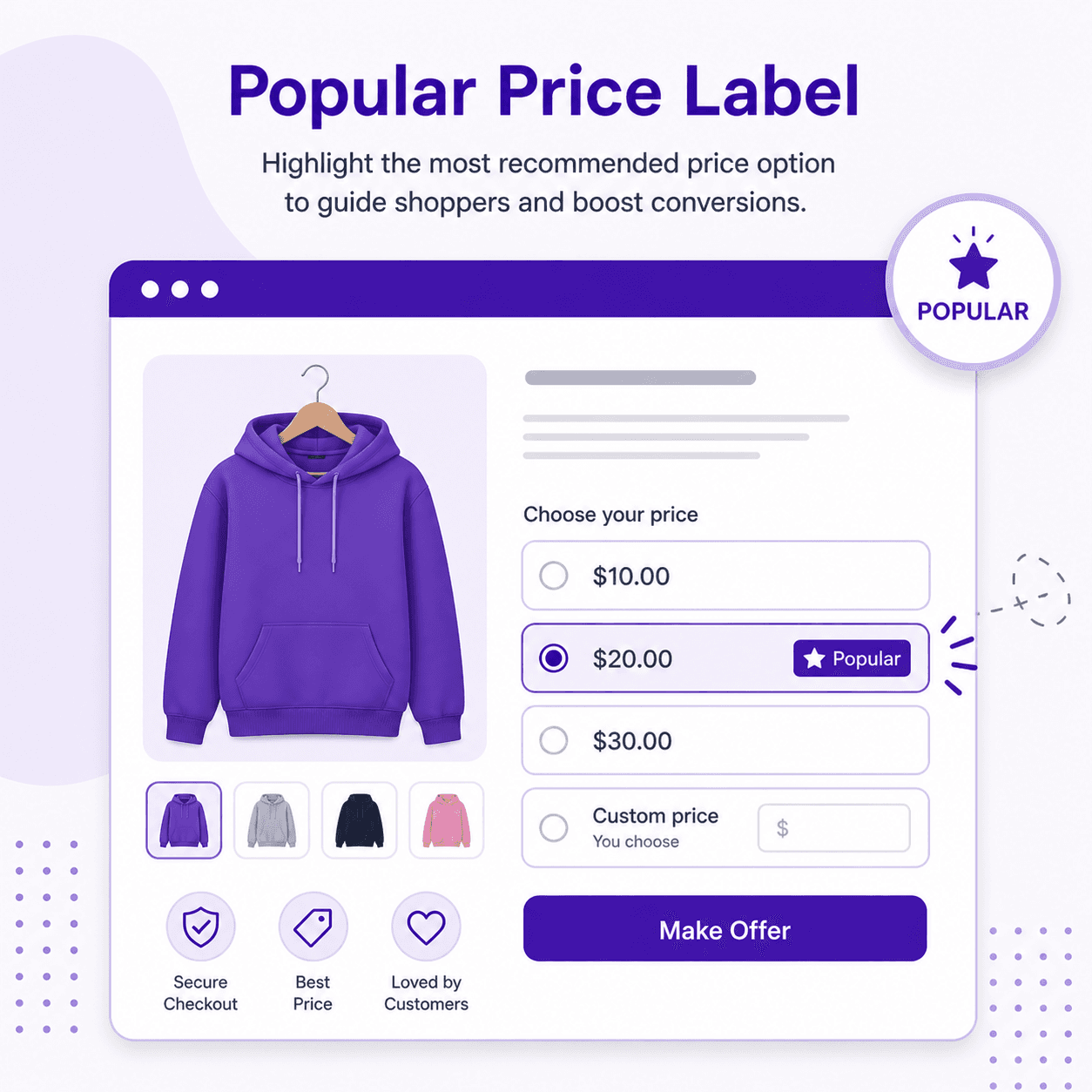
Tag a price above your floor with “People often buy” and let the crowd pull offers up.
Preselect a preset above your minimum. Most shoppers leave the default as it is.
Generate a price ladder that starts above your floor, so every one-tap option is a good one.
A lowball offer is still a buyer. Tell them the floor in your own words and most will raise their offer instead of leaving.
Shown when an offer is under your minimum. Add {min} and the app fills in the amount.
Shown when an offer is over your maximum. Add {max} and the app fills in the amount.
Confirms the sale the moment an offer clears your minimum.
| You write | Customer sees |
|---|---|
| So close! Offers on this one start at {min}. | So close! Offers on this one start at $44. |
| Deal! Your offer is in the cart. | Deal! Your offer is in the cart. |
Find out whether your floor is set right with real numbers, then raise or lower it with confidence.
Every offer with its product, quantity, original price, offered price and order ID.
See the average price customers paid on the Home screen, next to revenue and orders.
Compare offers and revenue for each rule to see which minimums work best.
Watch a shopper make an offer, hit your limits and land a deal that works for both of you.
Install Offer Your Price and drop its block into your product template in the Theme Editor.
Pick the products, then choose Custom Amount or Custom + Presets as the offer method.
Enter a fixed minimum, or choose Product Price + Threshold and a variant price source. Write your {min} message and save.
Both stop lowball offers. Pick the one that fits how your products are priced and what you want offers to do.
Set your minimum in minutes and let every offer above it check out on its own.
Set a fixed minimum at your cost and clear old stock without a single loss-making sale.
Let fans choose the price, with a floor that keeps every download worth it.
Keep each size or edition's minimum tied to its own price on the Business plan.
Let customers pay list price plus whatever extra they want to give, never less.
$5.99/ month
7-day free trial
$9.99/ month
or $109.99/year and save 8%
Prices in USD, billed through Shopify. Full details on the Offer Your Price page.
No. Every offer is checked against your minimum before it can go to the cart. Offers below it show your minimum price error message, and the customer can enter a higher offer.
Yes, on the Business plan. Choose Product Price + Threshold and set the variant price source to Selected Variant Price, and the minimum updates whenever the customer picks a different variant.
Yes, with a fixed minimum: set it to any amount, such as your cost. Product Price + Threshold works differently. It adds your threshold to the product price, so it suits offers that should never drop under the listed price.
Use a fixed minimum for clearance, discounts and pay-what-you-want pricing with a floor. Use product price + threshold when one rule covers products or variants at different prices and you want each minimum tied to its own price.
They see your minimum price error message. Add {min} to it and the app fills in the minimum amount, so the customer knows exactly what to offer.
Fixed minimum and maximum limits are on the Pro plan, which starts with a 7-day free trial. Product price + threshold and the variant price source are on the Business plan.
Install from the Shopify App Store and try it free. No code required.