



Pro
All products or collections
One switch puts Make an Offer on your whole store, or just the collections you pick.

Offer Your Price · Make an Offer Button in Shopify
Turn shoppers who'd bounce at your price into buyers who name theirs.
Get the Offer Your Price app for your Shopify store and add a Make an Offer button to your product pages that closes the sale on the spot. Customers name a price; your minimum and maximum check it in a split second, and every offer inside your range drops straight into the cart. No offer inbox, no replies, no customers waiting on you.
A fixed price gives shoppers one choice: pay it or leave. A Make an Offer button gives them a reason to stay, and turns the buying decision into a step they control.
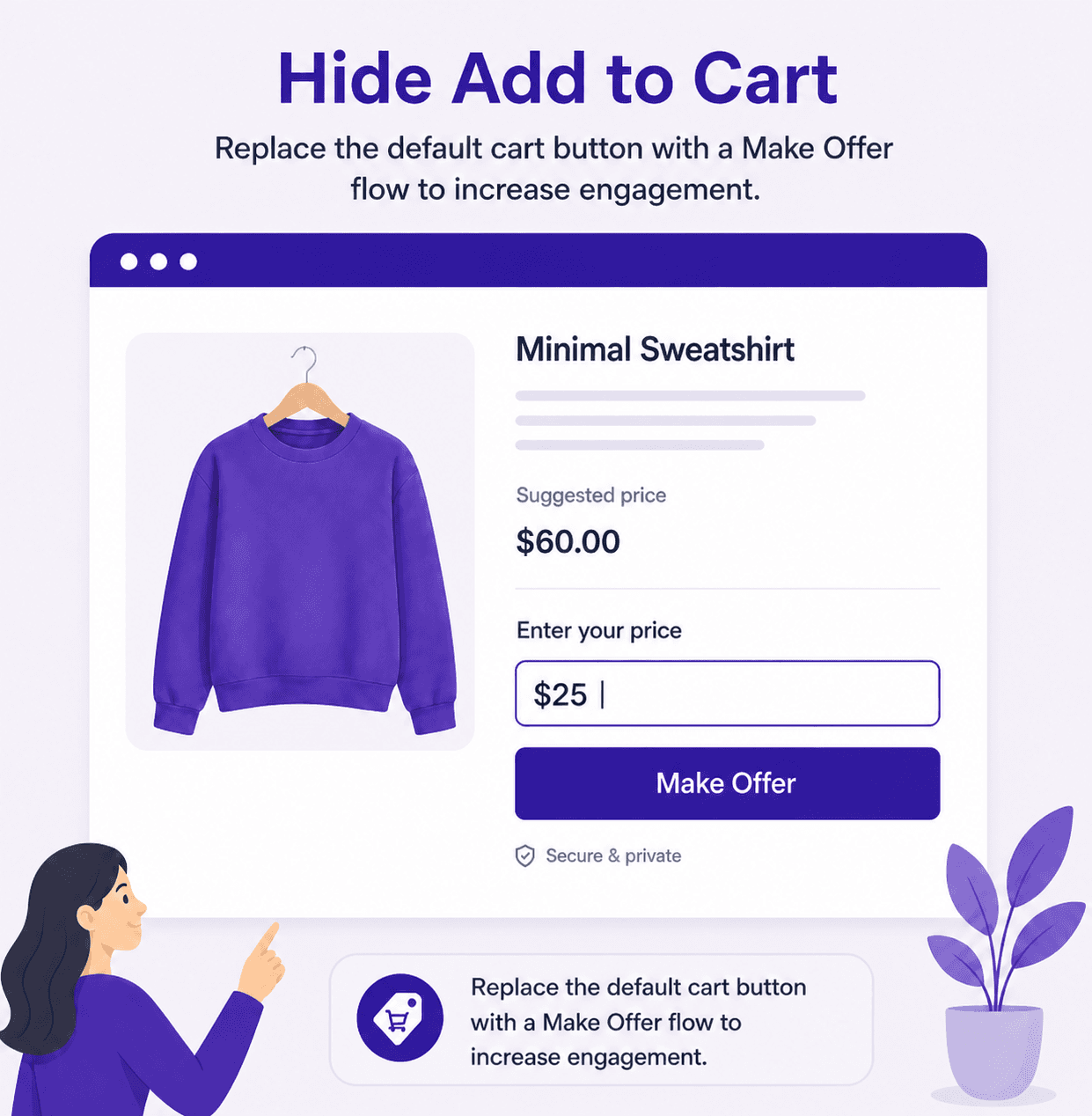
Make the offer the only way to buy, so every visitor engages instead of scrolling past.
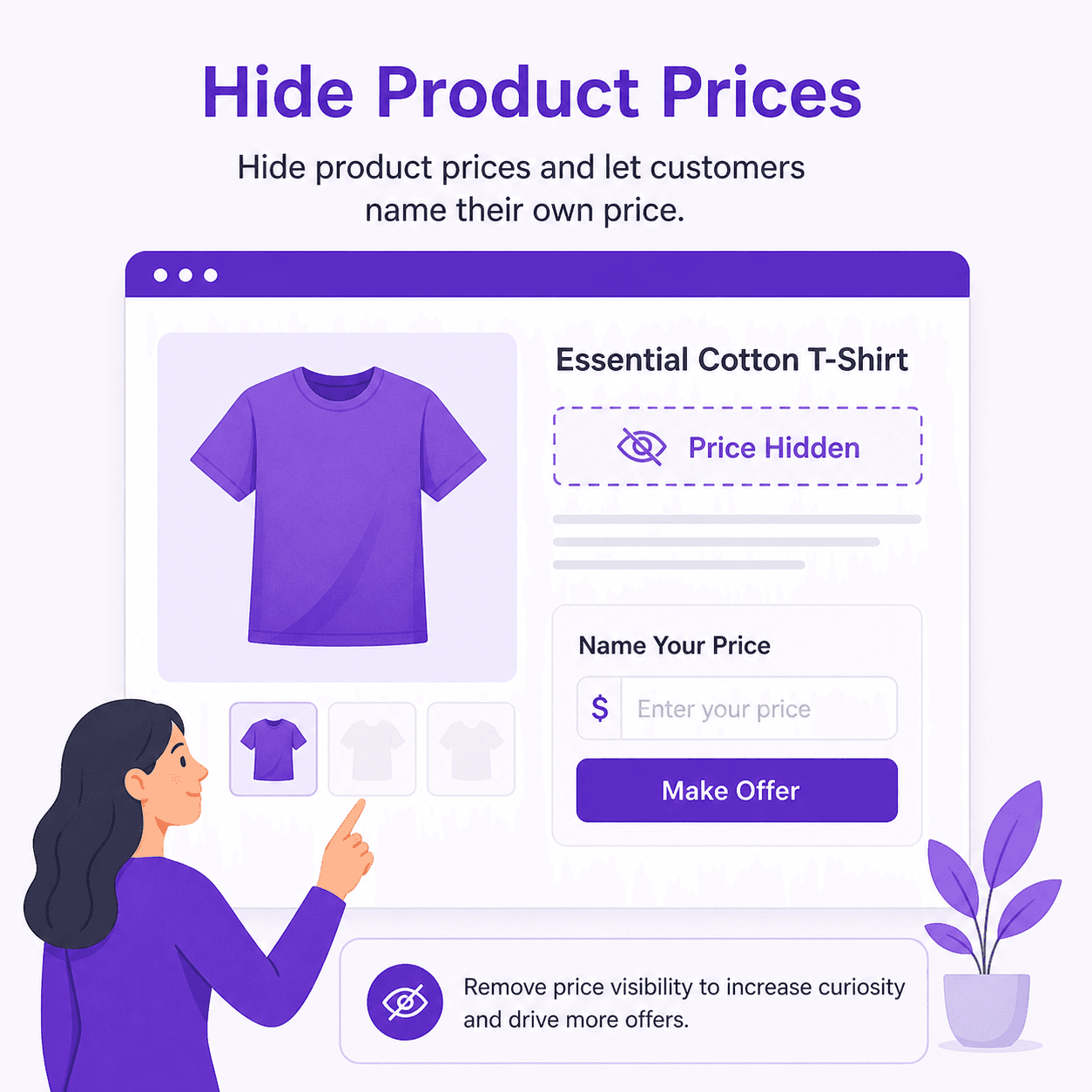
No number to anchor on. Shoppers judge the product on value, then tell you what it's worth to them.
Catch offers while shoppers browse your catalogue, not just on product pages.
Match the button's colours and label to your theme so it looks native, not bolted on.
Open offers to everyone, or keep them for the stock and the shoppers that need them most. You stay in charge of every rule.
One switch puts Make an Offer on your whole store, or just the collections you pick.
Move last season's stock and one-off pieces without touching the rest of your catalogue.
Accept offers only from the markets you ship to profitably.
Give VIP or wholesale customers a private Make an Offer button nobody else sees.
Pause offers for a full-price launch and bring them back later, settings intact.
Just ask Shopify Sidekick to set up or change an offer rule for you.
An empty box invites lowball offers. Give shoppers a number to aim for and watch your average offer climb.
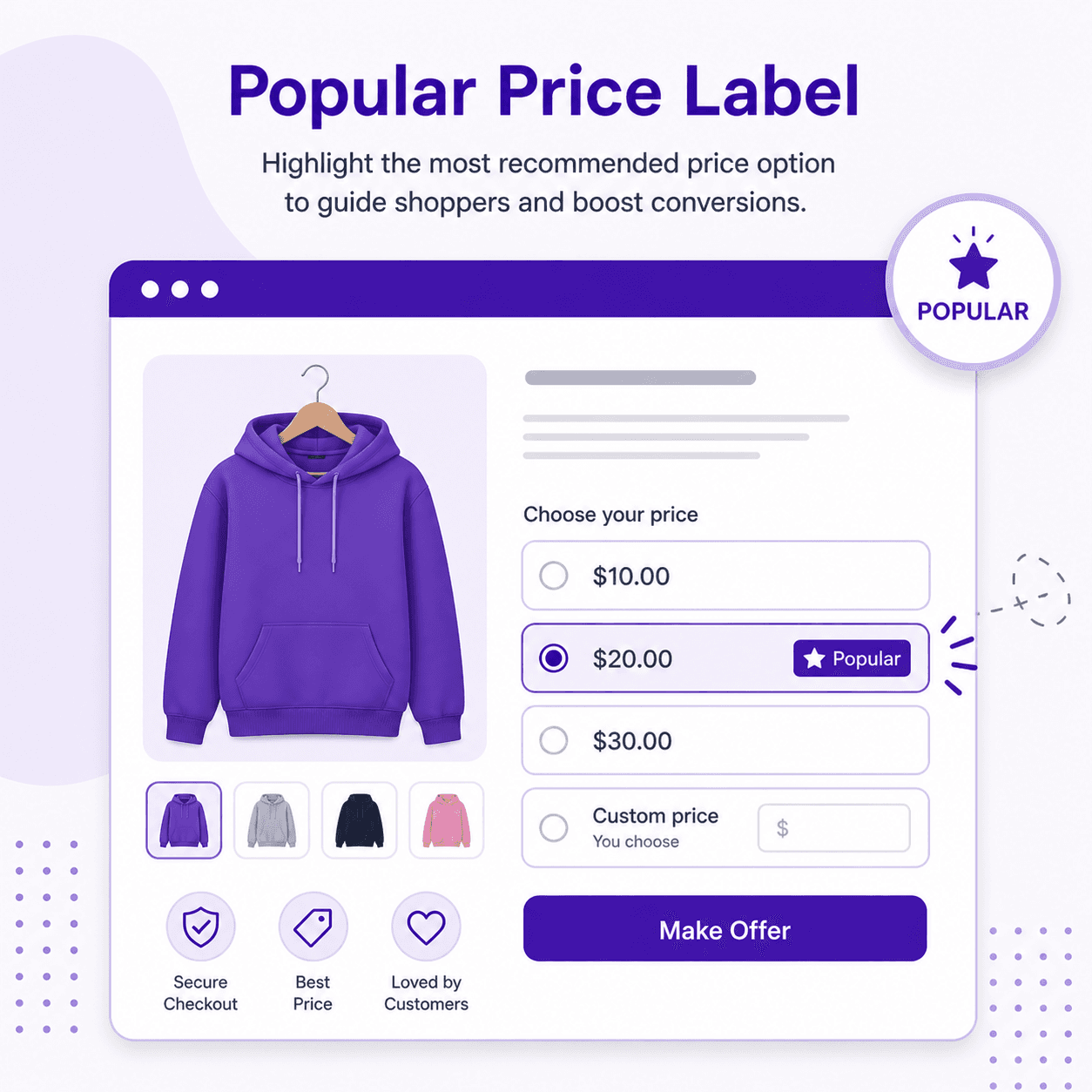
Show a recommended amount with your own label, like “Most people pay”.
Let social proof do the negotiating with a tag like “People often buy”.
Pill buttons, a radio list or a dropdown make offering faster than typing.
Offers below your minimum or above your maximum never reach the cart.
See how a shopper makes an offer, how your limits respond and how the product lands in the cart.
They type what they want to pay, or tap one of your preset prices, and hit the offer button.
Too low or too high? They see your message, like “Offers start at $20”, and can try again on the spot.
In range means sold. The product goes to the cart at their price, they check out as usual, and the offer lands in your log.
Most make-an-offer apps turn you into a full-time negotiator: every offer waits in an inbox for you to accept, decline or counter. Offer Your Price sets the rules once and lets them answer every offer instantly, even while you sleep.
Add the Make an Offer button in minutes, set your limits and let customers buy at a price that works for both of you.
Turn slow sellers into cash while your minimum keeps every sale above cost.
Give buyers who grew up on Best Offer the bidding feel they expect, on every one-off piece.
Invite offers on originals like an online gallery, without a single back-and-forth email.
Learn what customers really pay from your offer log before you touch a list price.
$5.99/ month
7-day free trial
$9.99/ month
or $109.99/year and save 8%
Prices in USD, billed through Shopify. Full details on the Offer Your Price page.
No. Offers inside the minimum and maximum you set are added to the cart at the offered price straight away, so the customer can check out immediately. Offers outside your range are not accepted.
No. Offer Your Price has no counter-offers or offer messages. If an offer is outside your range, the customer sees your error message, which can show your minimum or maximum, and can enter a new offer.
Yes. Each offer rule can hide the Add to Cart button and the original price on the products it covers, so customers can only buy through an offer. Both options are on the Pro plan.
Yes. The Pro plan can show Offer Your Price on your catalogue pages as well as on product pages.
Yes, on the Business plan. Restrict any rule to customers in selected countries, to customers with selected tags such as VIP or wholesale, or to specific products.
Offer Your Price is a flat monthly subscription. The Pro plan starts at $5.99 a month with a 7-day free trial, and Business adds country, customer tag and product targeting.
Install from the Shopify App Store and try it free. No code required.